Hamna
Construction Project Tracker Excel & Google Sheets Template – Gantt Chart, Kanban Board & Calendar Scheduler for Contractors
Construction Project Tracker Excel & Google Sheets Template – Gantt Chart, Kanban Board & Calendar Scheduler for Contractors
Couldn't load pickup availability
Take Control of Your Construction Schedule — Without Complicated Software
Managing construction projects shouldn’t mean juggling messy spreadsheets, scattered notes, and missed deadlines. The Construction Project Tracker – Excel & Google Sheets Template is built specifically for contractors, project managers, subcontractors, and builders who need a powerful yet simple scheduling system.
This is not bloated project management software. It’s a focused, clean, and highly functional scheduling template designed to help you plan tasks, track progress, and deliver projects on time — without overwhelm.
Whether you’re managing multiple job sites or organizing your own subcontracting work, this tracker gives you a clear visual overview of everything happening across your projects.
Everything You Need to Stay on Schedule
🏗️ Gantt Chart View
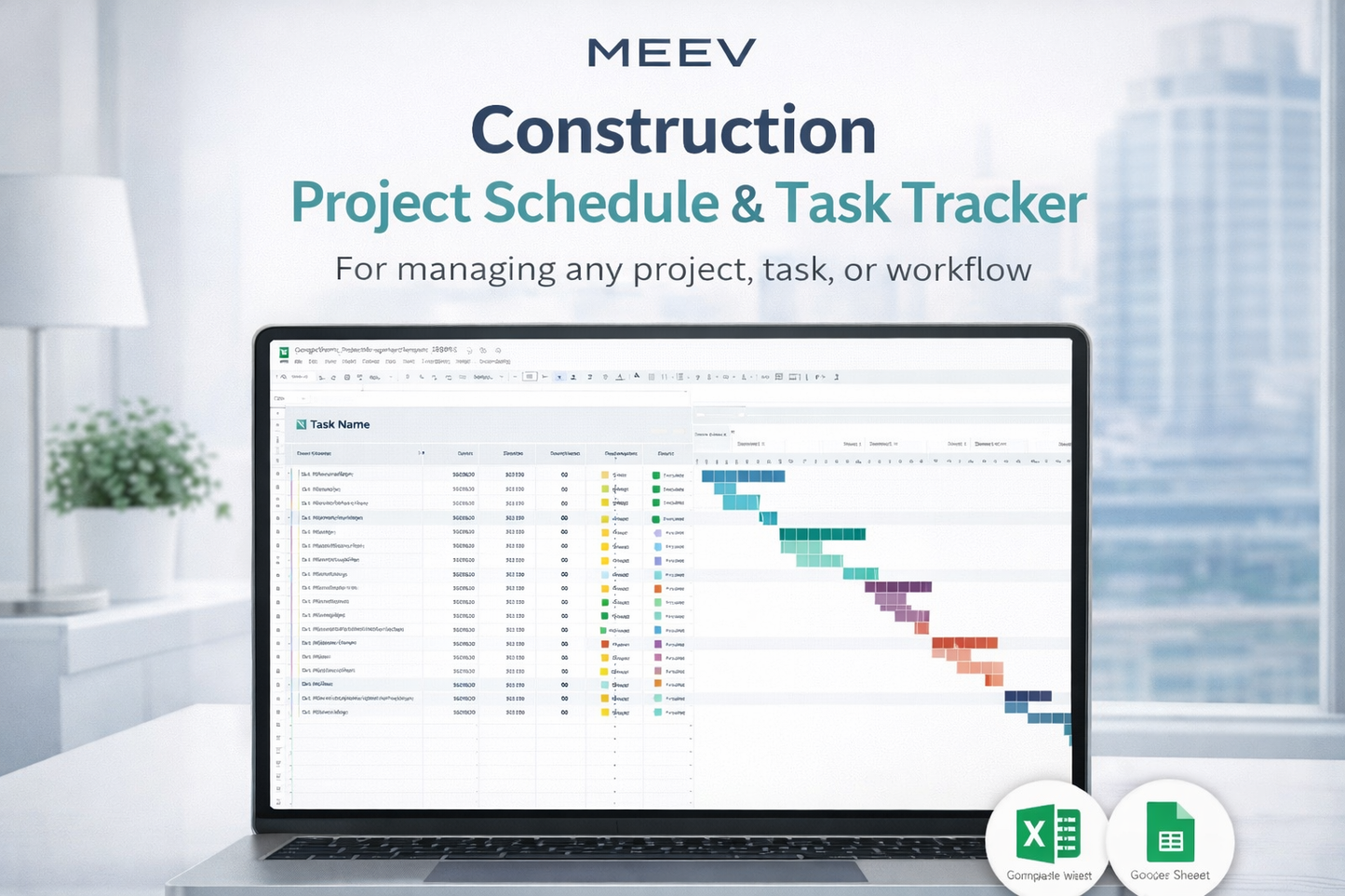
Visualize project timelines, milestones, task durations, and overlapping work phases. Instantly see what’s coming up, what’s delayed, and what’s completed.
📋 Kanban Board
Drag-and-drop tasks into To-Do, In Progress, and Completed columns. Perfect for daily workflow tracking and team coordination.
📅 Calendar View
Get a monthly overview of inspections, crew schedules, material deliveries, and key deadlines — all in one place.
🔄 Auto-Updating Sheets
Built with advanced formulas (LET, FILTER, UNIQUE, SORT), your data syncs automatically across tabs. Update once — see changes everywhere.
🔁 3-in-1 Tracking System
Switch seamlessly between:
-
Gantt for long-term planning
-
Kanban for task management
-
Calendar for monthly scheduling
No duplicate entry. No manual recalculations.
🚀 Easy Setup
Simply enter your tasks, assign dates, and the system builds your project timeline instantly. No steep learning curve.
Who This Construction Tracker Is For
This template was created specifically for construction professionals:
-
General contractors managing multiple projects
-
Construction project managers tracking crews and subcontractors
-
Electricians, plumbers, roofers, and trade subcontractors organizing their schedules
-
Home remodelers planning renovation timelines
-
Small construction businesses that don’t need expensive PM software
If you want structured scheduling without complex enterprise systems, this template is for you.
Why This Template Stands Out
Most generic project management templates try to combine scheduling, payroll, budgeting, CRM, and reporting — creating unnecessary complexity.
This construction scheduling template stays focused on what matters most:
Clear timelines
Organized task tracking
Visual project oversight
Practical workflow management
You get instant clarity across your entire project without clutter.
What You’ll Receive
Upon purchase, you’ll receive:
-
A PDF with direct access links
-
Microsoft Excel version (Excel 365 / 2021 or newer required)
-
Google Sheets version (fully editable copy)
-
Instant digital download
Files are ready to use immediately after payment confirmation.
How It Works
-
Download the PDF after purchase
-
Access the Excel file or make a copy of the Google Sheets version
-
Enter your project tasks, start dates, and deadlines
-
Watch the Gantt, Kanban, and Calendar views update automatically
No installations. No subscriptions. No monthly fees.
Frequently Asked Questions
Does this work on older versions of Excel?
No. This template uses advanced functions such as LET, FILTER, UNIQUE, and SORT. It requires Excel 365 or Excel 2021 (or newer). It works fully in Google Sheets.
Can I use this for multiple projects?
Yes. You can duplicate sheets or adapt the file to manage multiple construction projects.
Is this suitable for team collaboration?
Yes. The Google Sheets version allows sharing via Google Drive for real-time collaboration.
Does this include budgeting or payroll tracking?
No. This template focuses strictly on scheduling and task management for construction projects.
Will I receive a physical product?
No. This is a digital download. You will receive access to the files instantly after purchase.
Important Digital Product Information
This is a digital product. No physical item will be shipped.
Due to the nature of digital downloads, returns, exchanges, or cancellations are not accepted. If you experience any issues with your files, please contact the Meev Support Team for assistance.
This template is for individual use only. Resale or redistribution is not permitted.
Built for Real Construction Workflows
Thousands of construction professionals are shifting from chaotic spreadsheets to streamlined systems that actually support job site operations. This template is designed around real construction scheduling needs — inspections, material deliveries, phased work, crew management, and milestone tracking.
If you're ready to reduce delays, eliminate confusion, and manage projects with confidence, this construction project tracker will help you stay organized from groundbreaking to final inspection.
Download today and start managing your construction schedule like a pro.
Primary Keyword: Construction Project Tracker Excel Template
Secondary Keywords: construction schedule template, construction project management spreadsheet, Gantt chart Excel construction, construction Kanban board template, contractor project tracker, Google Sheets construction template, construction timeline planner
Long-Tail Buyer-Intent Keywords: construction project tracker for contractors, Excel Gantt chart template for construction projects, construction scheduling template for small contractors, project management spreadsheet for builders, Google Sheets construction task tracker
Share