Hamna
Team Task Tracker for Excel & Google Sheets – Color-Coded Team Task Management Spreadsheet with Gantt & Calendar View
Team Task Tracker for Excel & Google Sheets – Color-Coded Team Task Management Spreadsheet with Gantt & Calendar View
Couldn't load pickup availability
Stay on Top of Every Task, Deadline & Team Member
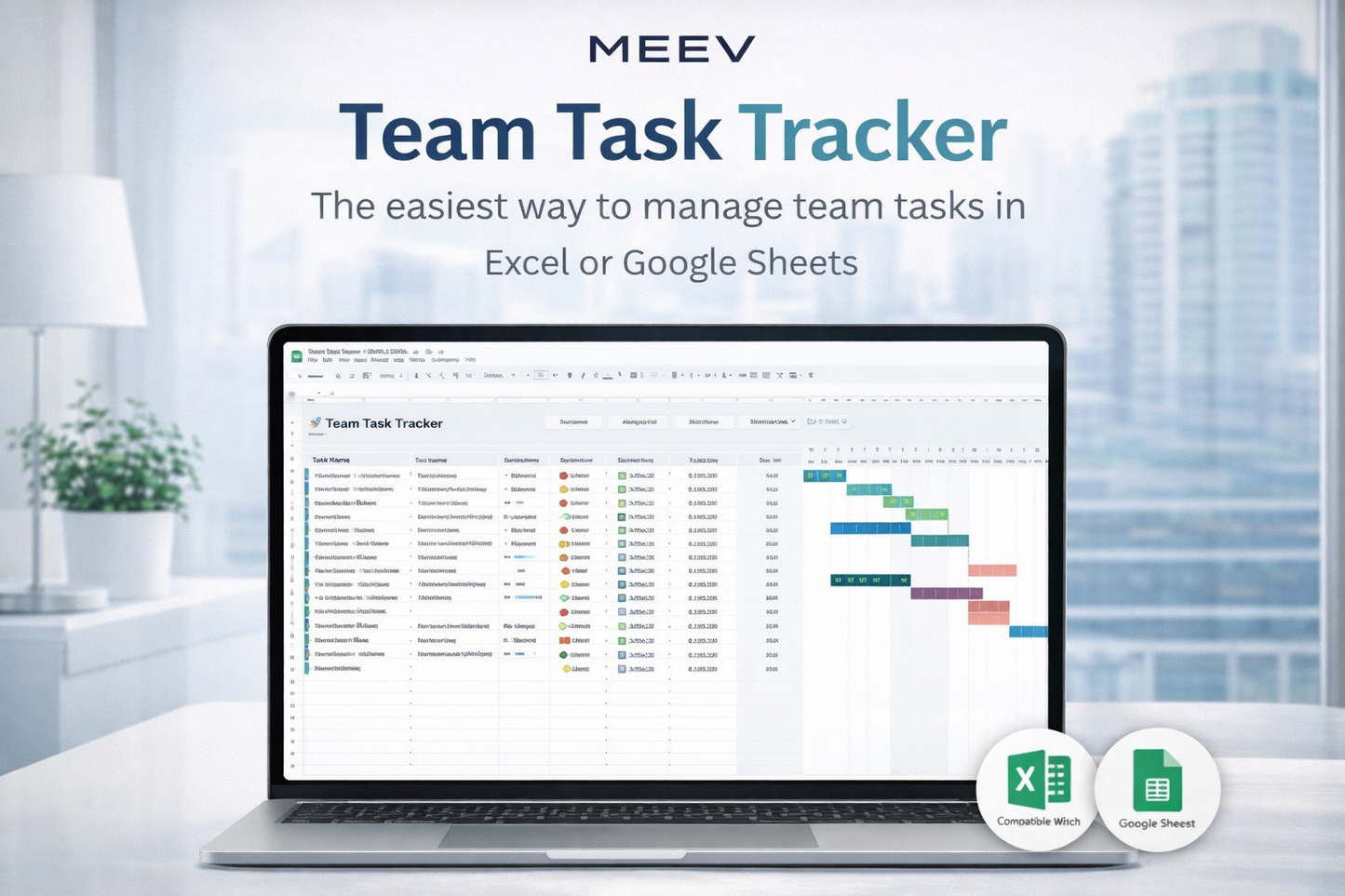
Managing multiple people, departments, and deadlines can quickly become overwhelming. The Team Task Tracker for Excel & Google Sheets is a powerful, color-coded task management spreadsheet designed to help you assign tasks, track progress, and see exactly who’s doing what—without paying for complex project management software.
Built for clarity and simplicity, this spreadsheet helps teams stay aligned, organized, and accountable. No subscriptions. No logins. No unnecessary features. Just a clean, smart system that works.
Whether you're leading a department, running a startup, or managing remote teams, this team task tracker template gives you structure and visibility across all your work.
Why This Team Task Tracker Works
Unlike traditional project-based templates, this spreadsheet is built around your team structure, making it ideal for managing ongoing operations, internal workflows, and cross-functional collaboration.
Key Features
• Assign tasks using dropdown menus for consistent team and member selection
• Automatic color-coding by team across all tabs
• Built-in task filters by team or individual
• Gantt-style timeline view for visual planning
• Monthly calendar view auto-filled from your task hub
• Central setup tab for teams, priorities, and statuses
• Auto-calculated days remaining for deadline tracking
• Fully compatible with Excel 365 / 2021+ and Google Sheets
This isn’t just another basic spreadsheet. It’s a complete team task planner designed to make task visibility effortless.
What You’ll Get
Your download includes:
• Excel version of the Team Task Tracker
• Google Sheets version (access via link)
• Setup tab to define teams, members, statuses, and priorities
• Task Hub for assignments, deadlines, and tracking
• Filtered Task View tab for focused check-ins and 1:1s
• Monthly Calendar View for deadline planning
• Gantt-style timeline visualization
• Instant download PDF with access instructions
Everything is ready to use—just add your teams and tasks.
How It Works
After purchase, you’ll receive a PDF with secure access links.
-
Open the Excel file (Microsoft Excel 365 or 2021+)
or -
Open the Google Sheets version and make your own copy
From there:
• Set up your teams and members in the Setup tab
• Add tasks inside the Task Hub
• Assign owners, deadlines, priorities, and statuses
• View timelines in Gantt format
• Filter by team or person for daily standups
• Use the Calendar View to plan monthly workload
The template automatically updates colors, filters, and views based on your entries.
Who This Is For
This team task management spreadsheet is ideal for:
• Project managers tracking team workloads
• Team leads running daily or weekly operations
• Small business owners coordinating departments
• Agencies managing internal and client deliverables
• Remote teams collaborating in Google Sheets
• Startups needing structure without expensive tools
If you need visibility across people—not just projects—this tracker is built for you.
Why Teams Love It
Thousands of teams are moving away from bloated software and returning to smart spreadsheets that give them full control.
Users appreciate:
• Clean layout without distractions
• Easy adoption across departments
• Faster team check-ins
• Clear accountability
• Simple sharing via Google Sheets
It’s structured enough to provide clarity, yet flexible enough to adapt to your workflow.
Frequently Asked Questions
Does this work with older versions of Excel?
No. This template uses modern functions like LET(), FILTER(), SORT(), and UNIQUE(). It requires Excel 365, Excel 2021+, or Google Sheets.
Can multiple team members use it at the same time?
Yes. The Google Sheets version supports real-time collaboration. Excel files can also be shared via OneDrive or SharePoint.
Is this a project management tool?
It’s designed for managing tasks across teams and departments rather than one structured project. If you manage daily operations or multiple deliverables, this is ideal.
Will I receive a physical product?
No. This is a digital download. You’ll receive instant access after payment confirmation.
Can I customize the template?
Yes. You can modify it for your internal use. However, resale or redistribution is not permitted.
Important Digital Product Notice
This is a digital product delivered via instant download. No physical item will be shipped.
Due to the nature of digital products, returns, exchanges, or cancellations are not accepted. If you experience any issues with your file, please contact the Meev Support Team for assistance.
License is for individual use only. Redistribution, resale, or modification for resale is prohibited.
Primary, Secondary & Long-Tail Keywords
team task tracker, task management spreadsheet, team task management template, Excel task tracker, Google Sheets task tracker, team planner spreadsheet, Gantt chart spreadsheet template, color coded task tracker, project task tracking sheet, task assignment spreadsheet for teams, team workload tracker Excel, collaborative task management Google Sheets
Share